

Connecting a 4 to 20mA output AC current sensor to a control system is a crucial process that requires a clear understanding of both the sensor and the control system. As a supplier of 4 to 20mA output AC current sensors, I am here to guide you through this process step by step.
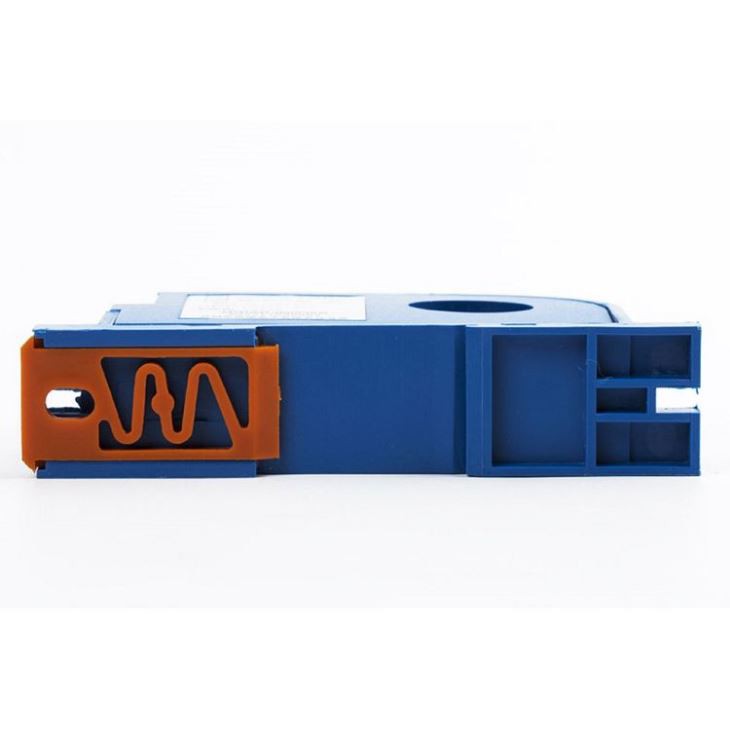
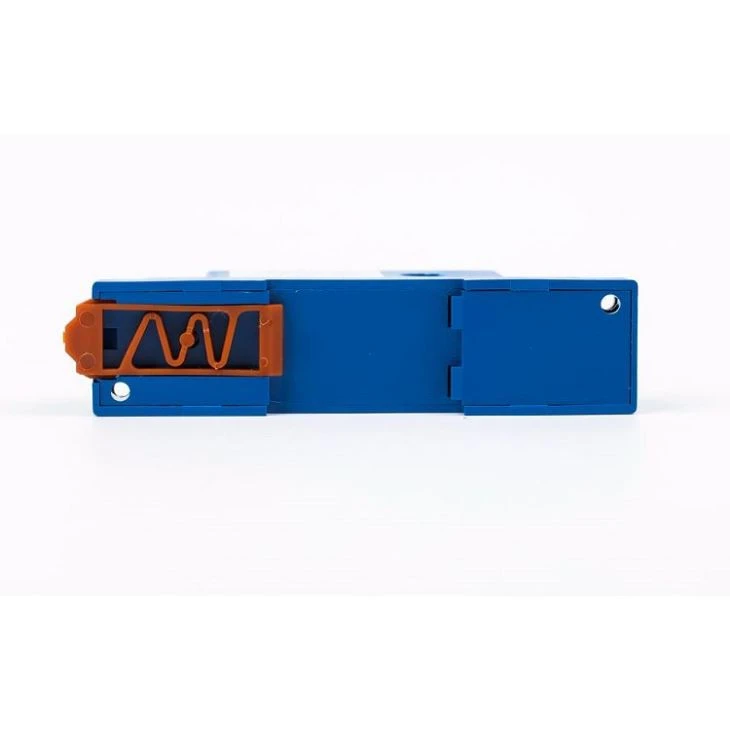
Understanding the 4 to 20mA Output AC Current Sensor
Before we dive into the connection process, it's important to understand what a 4 to 20mA output AC current sensor is. This type of sensor is designed to measure alternating current (AC) and convert it into a proportional 4 to 20mA current signal. The 4mA represents the minimum current measurement, while 20mA represents the maximum. This standardized signal is widely used in industrial control systems because it is immune to electrical noise and can be transmitted over long distances without significant loss.
We offer a range of 4 to 20mA output AC current sensors, including the 0-400A Input AC Current Sensor, the AC Current Sensor Analog Output, and the 30A - 400A Input AC Current Sensor(400A Max). These sensors are suitable for various applications, from small-scale industrial equipment to large power distribution systems.
Step-by-Step Guide to Connecting the Sensor to a Control System
Step 1: Safety First
Before you start any electrical work, ensure that the power to the system is turned off. This will prevent any electrical shock or damage to the equipment. Wear appropriate safety gear, such as insulated gloves and safety glasses.
Step 2: Select the Right Sensor
Choose a sensor that is suitable for your application. Consider factors such as the range of current you need to measure, the accuracy required, and the environmental conditions. Our sensors are designed to meet different requirements, so you can find the one that best fits your needs.
Step 3: Mount the Sensor
Mount the sensor in a suitable location. It should be close to the current-carrying conductor to ensure accurate measurement. Make sure the sensor is securely mounted and that there is enough space for proper ventilation.
Step 4: Connect the Sensor to the Conductor
Connect the sensor to the current-carrying conductor. Most 4 to 20mA output AC current sensors use a split-core design, which allows you to easily clamp the sensor around the conductor without having to disconnect it. Ensure that the sensor is properly aligned with the conductor and that the connection is secure.
Step 5: Connect the Sensor to the Control System
The sensor has two output wires: a positive and a negative. Connect the positive wire to the positive input of the control system and the negative wire to the negative input. Make sure the connections are tight and that there is no loose wiring.
Step 6: Configure the Control System
Once the sensor is connected, you need to configure the control system to accept the 4 to 20mA signal. This may involve setting the input range, calibration, and other parameters. Refer to the control system's manual for detailed instructions.
Troubleshooting
If you encounter any problems during the connection process, here are some common issues and solutions:
- No signal: Check the power supply to the sensor and the control system. Make sure the connections are secure.
- Inaccurate readings: Check the calibration of the sensor and the control system. Make sure the sensor is properly mounted and aligned with the conductor.
- Electrical noise: Use shielded cables to reduce electrical noise. Make sure the sensor and the control system are properly grounded.
Conclusion
Connecting a 4 to 20mA output AC current sensor to a control system is a relatively straightforward process if you follow the steps outlined above. By choosing the right sensor, mounting it correctly, and configuring the control system properly, you can ensure accurate and reliable current measurement.
If you are interested in purchasing our 4 to 20mA output AC current sensors or need further assistance with the connection process, please feel free to contact us for a procurement discussion. We are committed to providing high-quality products and excellent customer service.
References
- Electrical Installation Handbook, Schneider Electric
- Industrial Automation Handbook, Rockwell Automation